Download EasyAsHealth free from Google Play or App Store and sign up in minutes.
2. Add Your eScripts
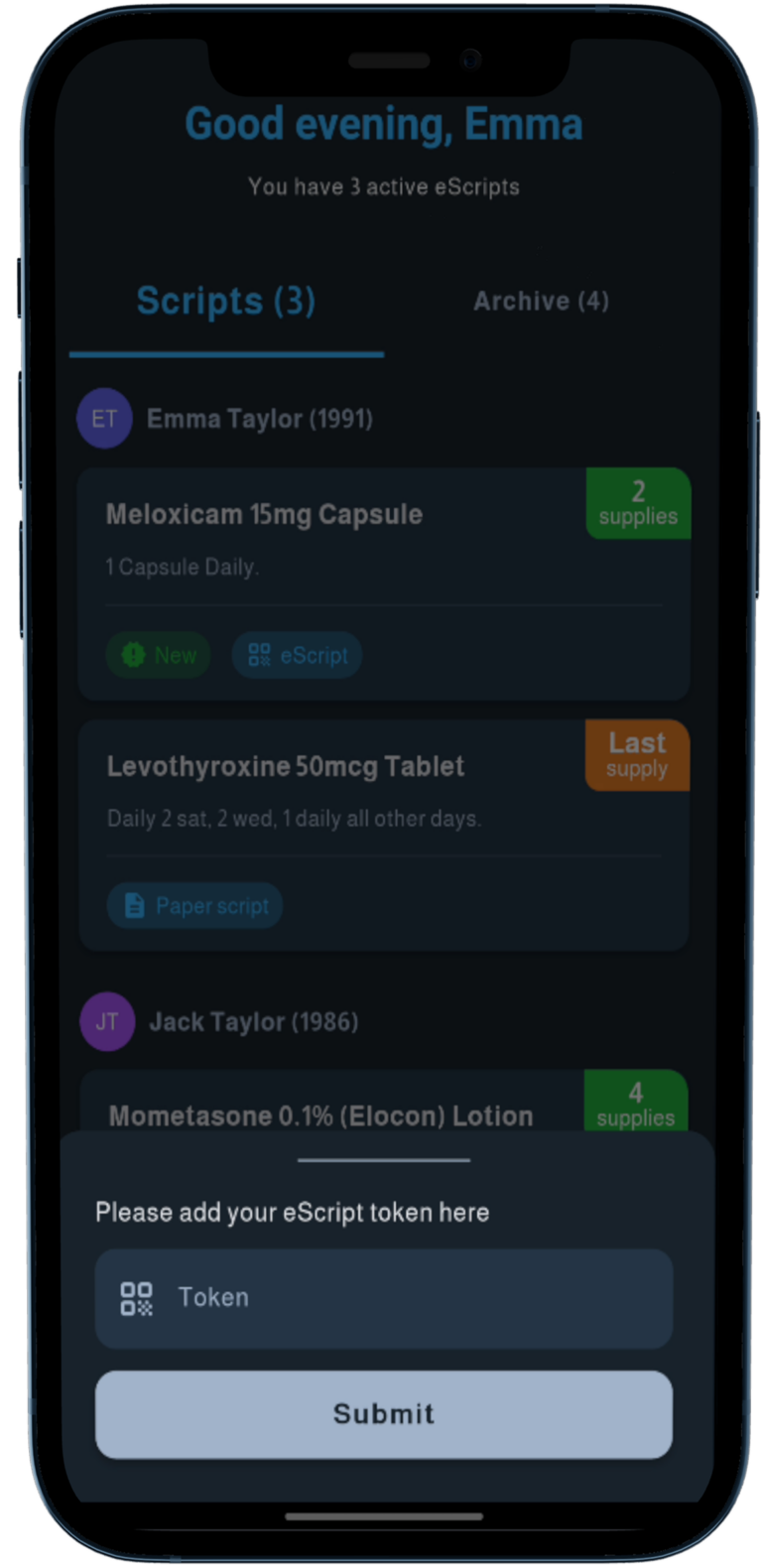
Click the eScript link or paste the token sent to your phone or email from your doctor or pharmacy.
3. Stay in Control
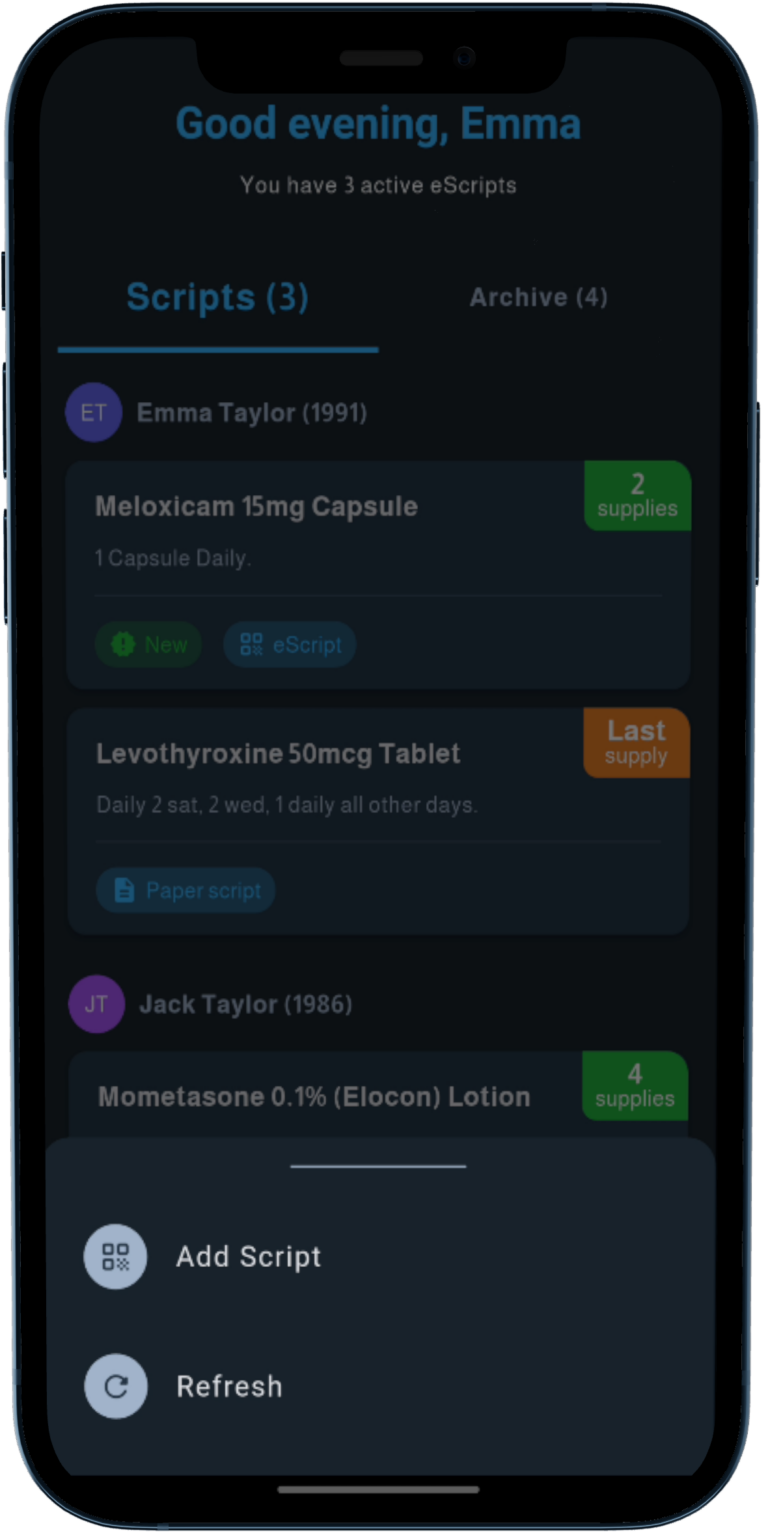
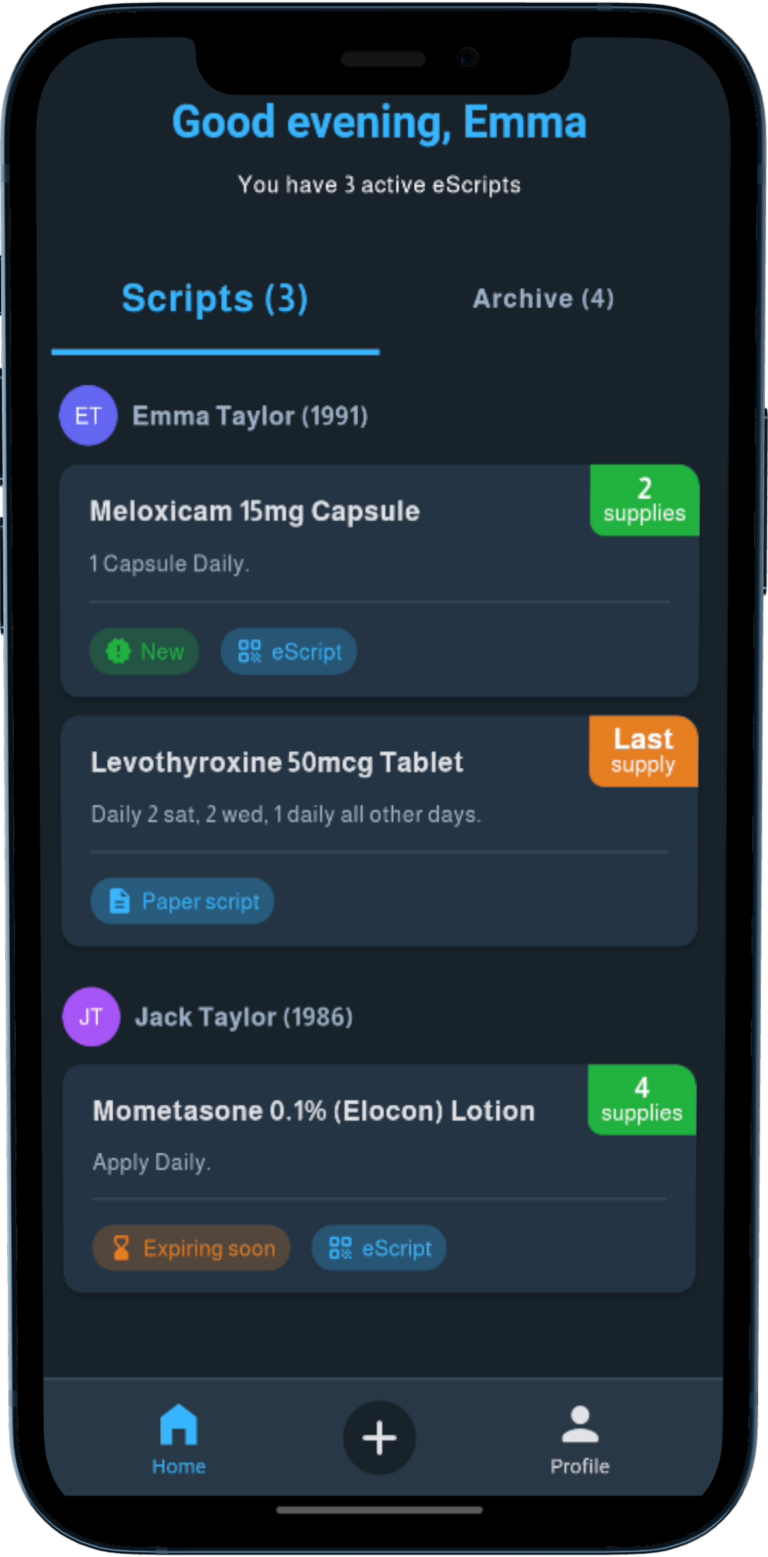
Securely view, manage, and share your eScripts anytime, anywhere – all in one convenient, trusted app.
2 Ways to see the prescription
1
Go to Add Script tab
Receive an eScript token via SMS or email
2
Add the token to the App
Enter your eScript token in the app
3
View the eScript
Access your prescription details
1
Go to Add Script tab
Receive an eScript token via SMS or email
2
Add the token to the App
Enter your eScript token in the app
3
View the eScript
Access your prescription details
Want to manage all your scripts automatically?
Say Hello to the Active Script List (ASL)
Also known as My Script List (MySL), ASL is a government-approved system that pulls all your active scripts and repeats — both paper and electronic into one easy-to-manage list.
1
Visit Doctor or Pharmacy
Ask your pharmacist to help you create your Active Script List (ASL). They will need to verify your identity and get your mobile number to proceed with your approval.
2
Get ASL Activation code
After you approve the text message to share your ASL with the pharmacy, you’ll receive your ASL code (e.g., XYZ-5678), which you can use to connect it to OpenPharmacy.
3
Link to Active Script List
To link your prescriptions, go to the ‘Link MySL’ tab in the EasyAsHealth app and enter your activation code. Once entered, your full script list will load automatically.
4
Enjoy Automatic script updates
Once you enter your activation code in EasyAsHealth, your prescription list will sync automatically, showing both eScripts and paper prescriptions.
Want to manage all your scripts automatically?
Say Hello to the Active Script List (ASL)
Also known as My Script List (MySL), ASL is a government-approved system that pulls all your active scripts and repeats — both paper and electronic into one easy-to-manage list.
1
Visit Doctor or Pharmacy
Ask your pharmacist to help you create your Active Script List (ASL). They will need to verify your identity and get your mobile number to proceed with your approval.
2
Get ASL Activation code
After you approve the text message to share your ASL with the pharmacy, you’ll receive your ASL code (e.g., XYZ-5678), which you can use to connect it to EasyAsHealth.
3
Link to Active Script List
To link your prescriptions, go to the ‘Link MySL’ tab in the EasyAsHealth app and enter your activation code. Once entered, your full script list will load automatically.
4
Enjoy Automatic script updates
Once you enter your activation code in EasyAsHealth, your prescription list will sync automatically, showing both eScripts and paper prescriptions.